Templates
This page shows how to use templates to structure Entities. Templates determine the layout and content of an Entity. There are two types of templates:
- Templates: default templates provided by Enterprise Glossary. There is a template for each supported object Type.
- Custom Templates: manually created templates for Custom Entities.
Only authors can access and edit templates.
About Publishing and Drafts
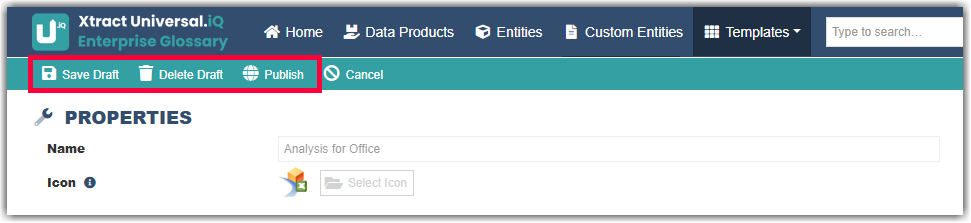
New or edited templates can be saved as drafts. Saving a draft has no effect on existing Entities. Only published versions affect existing Entities.
- To publish a draft, click Save Draft in the Template settings.
- To delete a draft, click Delete Draft in the Template settings.
- To publish a draft, click Publish in the Template settings.
Last update: September 4, 2026