Merge Data in Database Destinations
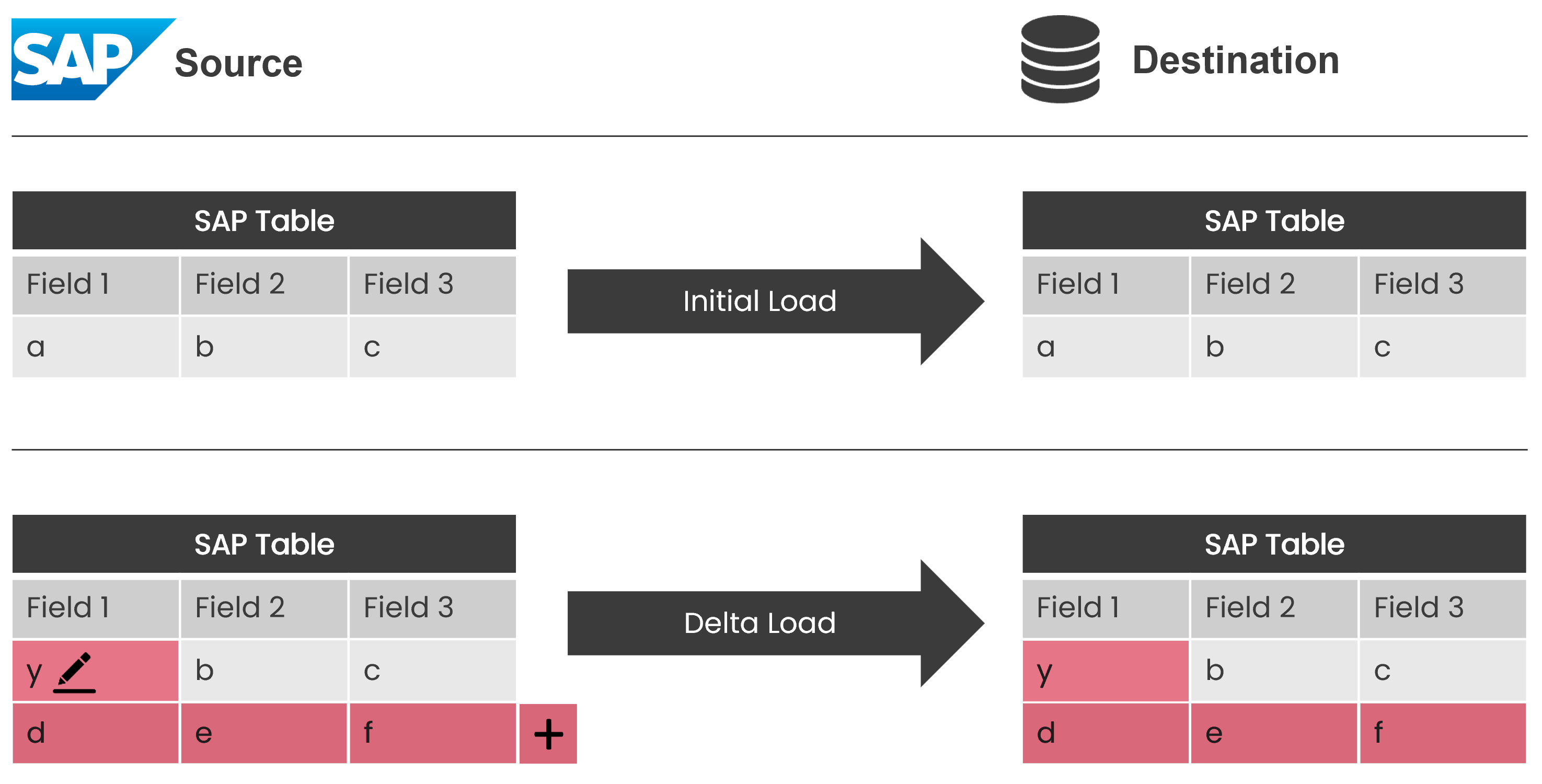
The Xtract Universal.iQ database destinations support merging data in the target database. A merge operation updates existing rows in a database table by applying changes from the SAP source system. The merge inserts new records and updates existing records as illustrated below.
The Process
The merge process uses a staging table. The merge is performed following the steps below::
- Create a temporary table.
- Insert the data into the temporary table.
- Merge the temporary table with the target table.
- Delete the temporary table.
Prerequisites
Merging data requires an existing table in the destination. The table already contains data and is typically created during the initial load using the Preparation option and populated using the Row Processing option Insert. After the table is created, change data in the SAP source for the merge.
Merge Data
To set up the merge process in Xtract Universal.iQ:
- Open the Services menu.
- Select a service that uses a database destination, e.g., Microsoft SQL Server.
- Click [ Edit]. The service settings open.
- Open the Destination Settings tab.
- Set the following options:
- Preparation: Prepare Merge
- Row Processing: Fill merge staging table
- Finalization: Finalize Merge.
- Click [Save].
When running the service, the data is merged into the existing table in the database.
Related Links
- Custom SQL in Database Destinations
- Microsoft SQL Server Destination
- Oracle Database Destination
- PostgreSQL Destination
Written by: Fabian Steffan, Valerie Schipka